Blog
How Reminders Help You Stop Missing Meals
The ZoneIt Team
•
October 16, 2026
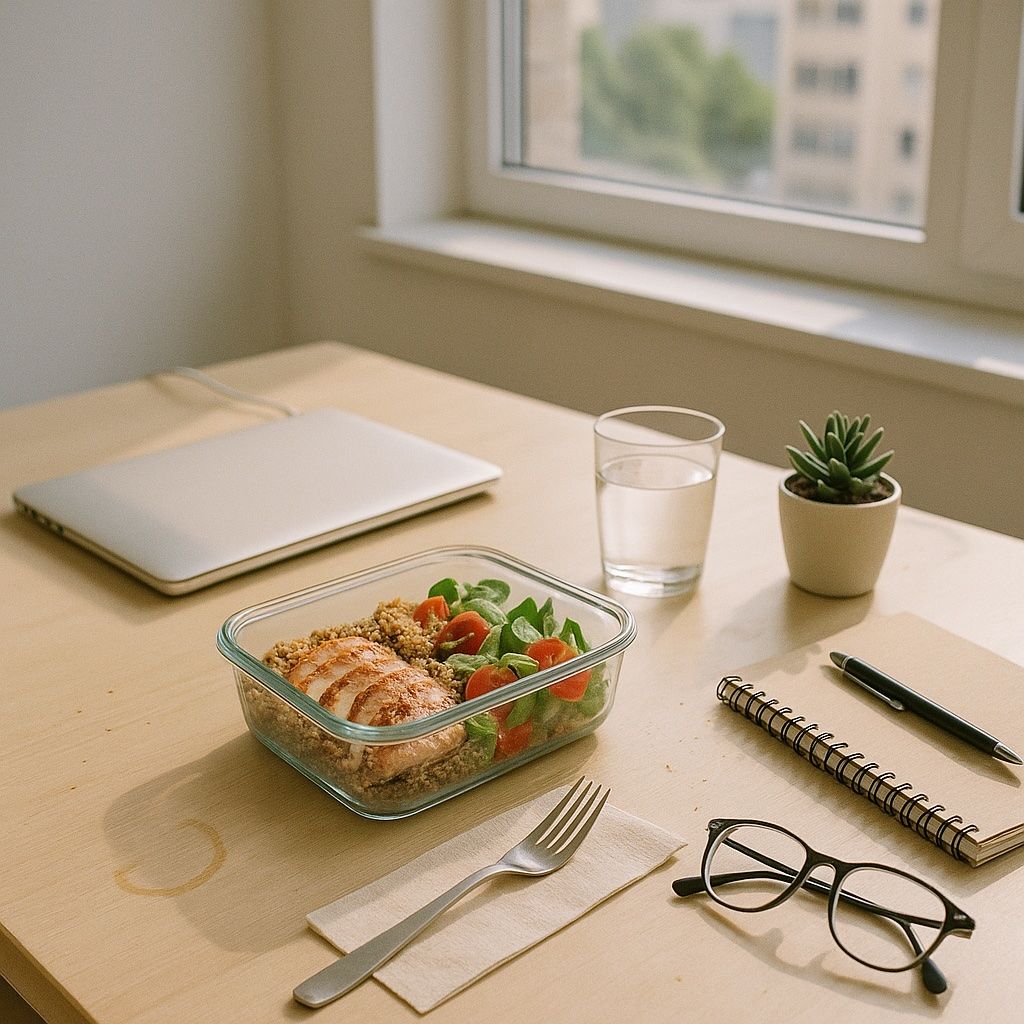
The Zone works best when your meals come in a steady rhythm: breakfast within an hour of waking up and no more than five hours between meals. On a busy day, though, lunch easily gets pushed back, the afternoon snack gets forgotten, and you get home in the evening starving. That's when a balanced choice is hardest to make.
Meals usually get skipped not for lack of motivation but because you forget. Reminders take that off your plate and leave you with just one job: deciding what to eat.
Meal reminders
In ZoneIt you choose which meals you want reminders for and at what times. You can turn them on while setting up your plan, or later under "Profile" → "Notifications" → "Meal reminders".
Set the times around your real day, not your ideal one. If you get up at 7:00 a.m., a sample rhythm is breakfast at 7:30, lunch at 12:30 p.m., an afternoon snack at 4:30, and dinner at 7:30 p.m. It's a good idea to have the reminder arrive 10–15 minutes before the meal, so you have time to make something instead of grabbing whatever is closest. To see how blocks are spread across a day like that, check out the full-day Zone meal plan.
Water reminders
Water is one of the easiest things to forget on a workday. Add a few reminders spread through the day, for example at 10:00 a.m., 2:00 p.m., and 5:00 p.m. We covered how much water you need in our article on water.
Shopping reminder
A missed meal often starts with an empty fridge. Pick a day of the week and a time for ZoneIt to remind you to plan next week's meals and shopping, say Saturday morning. For tips on getting through the shopping itself quickly, see Zone grocery shopping.
Measurement reminder
Measurements aren't an everyday thing, but doing them regularly matters. Set a reminder for the same day and time each week, ideally in the morning before breakfast, so your numbers are comparable. Your measurements also determine how many blocks you need a day.
How to keep reminders from getting annoying
- Start with meals only. Add water and the rest once you're used to it.
- If you keep snoozing the same reminder, the time isn't right. Move it. Changes take effect right away.
- Think of a reminder as a nudge, not an obligation. Even if you can't eat right away, it keeps you from putting the meal off for hours.
Reminders are just one of the small habits that make the Zone easier. After a few weeks the rhythm becomes your own, and you'll often think of your next meal a little before your phone reminds you.
Ready to get in the Zone?
Download ZoneIt for iOS and Android and get your own daily diary, recipes, and smart product search with barcode scanning, all in one place — free to download.
Includes in-app purchases.